
Domain Registration Guide: Everything You Need to Know in 2026
Your domain name is your digital real estate. Get it right, and it'll serve your business for decades. Get it wrong, and you're stuck with a forgettable address that confuses customers. This guide covers everything from choosing the perfect name to avoiding the registrar tricks that cost you money.

Web hosting enthusiast who tests providers and breaks down features, pricing, and real world speed
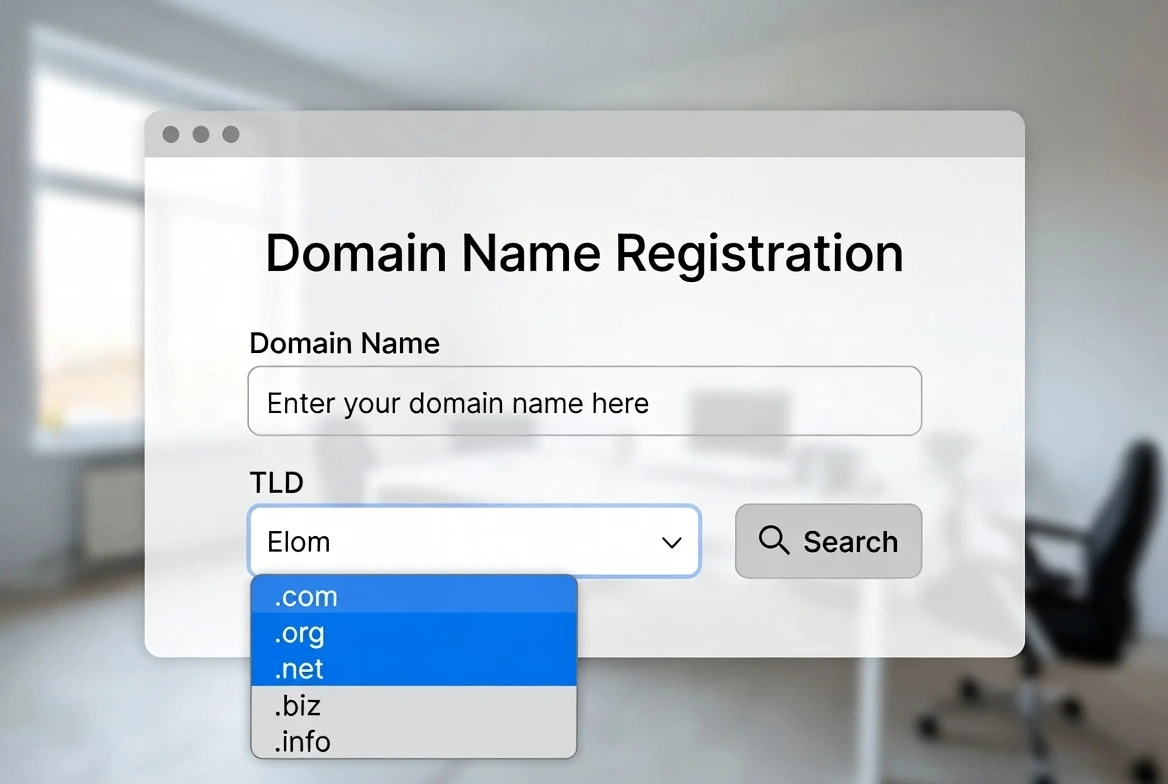
Every website starts with a domain name. It's the address people type to find you, the foundation of your brand's online presence, and one of the few digital assets you can own outright. Yet most people spend more time choosing a Netflix movie than selecting their domain.
This domain registration guide covers the entire process: from brainstorming that perfect name to actually owning it. I'll share the registrars that won't nickel-and-dime you, the extensions worth considering, and the mistakes I see people make constantly.
Whether you're launching your first website or managing a portfolio of domains, this 2026 guide has the practical knowledge you need. Let's start with the basics.
What Is Domain Registration? (And How It Actually Works)
When you register a domain, you're essentially leasing the right to use that address for a specific period (usually 1-10 years). You don't technically "own" it forever. You're renting from ICANN, the organization that coordinates the internet's naming system.
Here's the chain of custody:
ICANN
The Internet Corporation for Assigned Names and Numbers oversees the entire domain name system globally.
Registry Operators
Companies like Verisign (.com, .net) manage specific extensions and maintain the master database of registered domains.
Registrars
Companies like Namecheap, Cloudflare, and GoDaddy are authorized to sell domain registrations to the public. This is who you actually buy from.
You (The Registrant)
You're the domain holder with rights to use and control the domain for your registration period.
When you register a domain, your registrar reports the registration to the appropriate registry, which adds your domain to the global DNS (Domain Name System). This process typically takes minutes, though full propagation across the internet can take up to 48 hours.
How to Choose a Domain Name That Actually Works
Choosing the right domain name is part art, part strategy. It needs to be memorable, professional, and available. Here's how to approach it:
The Golden Rules
Do This
- • Keep it short (under 15 characters ideal)
- • Make it easy to spell and pronounce
- • Use your brand name when possible
- • Choose .com if available
- • Think about voice search: can someone say it?
- • Check social media availability too
Avoid This
- • Hyphens (looks-unprofessional-and-spammy)
- • Numbers (are you "4" or "four"?)
- • Double letters (successstory.com)
- • Trademarked terms (legal trouble)
- • Hard-to-spell words
- • Trendy misspellings (Flickr worked; most don't)
Finding Available Domains
Your first choice will probably be taken. That's reality in 2026: there are over 350 million registered domains. Here's my process for finding available options:
- 1Start with your ideal name
Check exact match first. Sometimes you get lucky.
- 2Try variations
Add "get," "try," "use," or "go" as prefixes (getslack.com, tryzapier.com).
- 3Consider alternative extensions
If .com is taken, .co, .io, or industry-specific extensions might work.
- 4Use domain generators
Tools like Lean Domain Search or Nameboy suggest creative alternatives.
- 5Check if the domain is for sale
Many "taken" domains are available for purchase on aftermarkets like Sedo or Dan.com.
Pro Tip: The "Radio Test"
Imagine someone hearing your domain on a podcast or radio. Would they be able to type it correctly? If you have to spell it out, it's probably too complicated.
Domain Extensions Explained: .com vs .net vs .org and Beyond
The extension (TLD - Top Level Domain) matters more than many people think. It affects perception, memorability, and even SEO in some cases. Here's the breakdown:
| Extension | Best For | Trust Level | Avg. Price |
|---|---|---|---|
| .com | Everything (the default) | Highest | $10-15/yr |
| .org | Nonprofits, communities | High | $10-12/yr |
| .net | Tech companies, networks | Medium-High | $12-15/yr |
| .co | Startups, short alternatives | Medium | $25-30/yr |
| .io | Tech, SaaS, developers | Medium (in tech) | $30-50/yr |
| .app / .dev | Apps, developers | Medium (in tech) | $12-20/yr |
| .ai | AI companies (trendy) | Medium | $80-100/yr |
| Country codes | Local businesses | High (locally) | Varies widely |
My Honest Take on Extensions
.com is still king. Everyone defaults to typing .com. If your .io or .co domain becomes successful, you'll probably end up buying the .com anyway to prevent confusion. That said, the alternative extensions work fine if .com is genuinely unavailable. Just know the trade-off.
Best Domain Registrar 2026: Honest Comparison
Choosing the best domain registrar can save you significant money over time. The industry is full of companies that lure you in with cheap first-year pricing, then hit you with expensive renewals. Here's who I actually recommend:
Cloudflare Registrar
At-cost pricing, no markup
Cloudflare sells domains at wholesale cost with zero markup. No upsells, no hidden fees. The catch? You need to use Cloudflare's DNS (which is excellent anyway). The interface is developer-focused but not difficult.
Porkbun
Low prices, fun interface
Don't let the silly name fool you. Porkbun is legitimately excellent. Competitive pricing, free WHOIS privacy, free SSL certificates, and a refreshingly simple interface. Great for beginners and pros alike.
Namecheap
Industry veteran, solid features
Namecheap has been around forever and does everything well. Slightly higher prices than Cloudflare or Porkbun, but excellent customer support and a full suite of hosting/email services if you need them.
About Google Domains
Google Domains was sold to Squarespace in 2023. If you had domains there, they're now at Squarespace Domains. The service is still decent, but I'd recommend transferring to Cloudflare for better pricing.
Registrars to Avoid
Some registrars use predatory tactics. Watch out for:
- GoDaddy: Cheap first year, expensive renewals, aggressive upselling, charges extra for privacy
- Network Solutions: Overpriced across the board, confusing interface
- Register.com: High renewal prices, charges for basic features
Domain Name Pricing: What to Expect
Domain pricing varies wildly based on extension, registrar, and whether you're registering new or renewing. Here's what you should expect to pay:
Standard Pricing (2026)
Free Domain with Hosting
Many hosting providers offer a free domain with hosting for the first year. This can be a good deal, but watch the renewal price. Some hosts charge $15-20/year for domain renewal. Factor in the total cost before deciding.
Domain Privacy Protection: Essential or Optional?
When you register a domain, ICANN rules require contact information—name, address, email, phone—to be added to the public WHOIS database. Anyone can look this up. Domain privacy protection replaces your info with the registrar's, keeping you anonymous.
With Privacy Protection
- Personal info hidden from public view
- Reduced spam to your email/phone
- Protection from domain-related scams
- Harder for competitors to contact you
Without Privacy Protection
- Full name publicly visible
- Physical address exposed
- Email harvested by spammers
- Phone number available to anyone
My recommendation: Always enable privacy protection. It should be free at any reputable registrar in 2026. If a registrar charges for it, that's a red flag. Switch to someone else.
The Domain Name Registration Process: Step by Step
Ready to register? Here's exactly how to register a domain name:
- 1
Search for your domain
Go to your chosen registrar and enter your desired domain name. They'll show if it's available and suggest alternatives if not.
- 2
Select registration length
Choose 1-10 years. I usually recommend 2-3 years for important domains. Long enough to avoid yearly hassle, short enough to stay flexible.
- 3
Enable privacy protection
Make sure WHOIS privacy is enabled (should be free). Skip any other add-ons they try to sell you.
- 4
Enter contact information
Provide accurate details (ICANN requires this). With privacy enabled, these won't be public.
- 5
Complete payment
Pay with credit card or PayPal. The domain is typically active within minutes.
- 6
Verify your email
ICANN requires email verification. Check your inbox and click the link within 15 days or your domain may be suspended.
- 7
Configure DNS
Point your domain to your web hosting by updating nameservers or adding DNS records. Your host will provide these details.
Domain Transfer Guide: Moving to a Better Registrar
Stuck with an overpriced registrar? You can transfer your domain. Here's how the process works:
Transfer Requirements
- Domain must be 60+ days old (ICANN prevents transfers within 60 days of registration or previous transfer)
- Domain must be unlocked: Disable the transfer lock in your current registrar's settings
- Get the authorization code (EPP code): Your current registrar provides this
- Valid email on file: You'll receive confirmation emails
Transfers typically cost the same as a new registration and add one year to your expiration date. The process takes 5-7 days as both registrars need to approve it.
Don't Let It Expire During Transfer
Never initiate a transfer when your domain is about to expire. If the transfer stalls, you could lose the domain. Transfer when you have at least 30 days remaining.
Domain Registration Checklist
Use this checklist to make sure you've covered everything:
Before Registration
- Brainstormed multiple domain name options
- Checked availability at multiple registrars
- Verified no trademark conflicts
- Confirmed social media handles are available
- Compared pricing (registration AND renewal)
During Registration
- Enabled WHOIS privacy protection
- Used accurate contact information
- Declined unnecessary add-ons
- Enabled auto-renewal
After Registration
- Verified email address (ICANN requirement)
- Configured DNS/nameservers for hosting
- Set up SSL certificate (via hosting)
- Saved registrar login credentials securely
- Calendar reminder for renewal date
Frequently Asked Questions
How much does domain registration cost?
Standard .com domains cost $10-15/year at reputable registrars. Beware of low first-year prices with high renewal costs. Cloudflare offers at-cost pricing (~$10.11/year) with no markup.
What is the best domain registrar in 2026?
Cloudflare Registrar offers the best value with at-cost pricing. Porkbun and Namecheap are excellent alternatives with user-friendly interfaces. All three include free privacy protection.
Should I get a .com or another extension?
.com is still the most trusted and recognized extension. If unavailable, .co, .io (for tech), or country codes work well. Avoid obscure extensions that users won't recognize or trust.
What is WHOIS privacy protection?
WHOIS privacy hides your personal contact information from the public domain database. Without it, anyone can look up your name, address, and phone number. It should be free at good registrars.
Can I transfer my domain to another registrar?
Yes, after 60 days from registration. You'll need to unlock the domain and get an authorization code from your current registrar. Transfers typically cost one year's registration and extend your expiration date.
The Bottom Line
Domain registration isn't complicated, but there are plenty of ways to overpay or make poor choices. Here's what matters:
Key Takeaways
- Choose a short, memorable domain that passes the "radio test"
- Prioritize .com when possible—it's still the default
- Use Cloudflare, Porkbun, or Namecheap—avoid overpriced registrars
- Always enable privacy protection (should be free)
- Enable auto-renewal to avoid accidentally losing your domain
Your domain name is a long-term investment. Take the time to choose wisely, register with a reputable provider, and you'll have a solid foundation for your online presence.
Once you have your domain, you'll need hosting to actually build your website. Check out our hosting provider comparison to find the perfect match.