
SSL Certificates: Why HTTPS Matters for Your Business
That little padlock in your browser's address bar? It's more important than most people realize. This guide explains what SSL certificates actually do, why every website needs HTTPS, and how to get it set up properly—even if you've never touched a server.

Web hosting enthusiast who tests providers and breaks down features, pricing, and real world speed
Here's a question I get constantly: "Do I really need an SSL certificate? My site doesn't take payments."
The short answer is yes, absolutely. In 2026, running a website without HTTPS is like opening a store without a front door. Browsers will warn visitors away, Google will push you down in search results, and anyone with basic technical knowledge can see exactly what your visitors are doing on your site.
SSL certificates are the foundation of website security and trust. They're no longer optional—they're the bare minimum. This guide explains everything you need to know: what SSL certificates are, how they work, which type you need, and how to get one installed. Let's get into it.
What Is an SSL Certificate? (The Non-Technical Version)
An SSL certificate is essentially a digital ID card for your website. It proves that your site is legitimately owned by who it claims to be, and it enables encrypted communication between your visitors' browsers and your web server.
When someone visits a site with an SSL certificate, two things happen:
1. Identity Verification
The certificate proves the website is who it claims to be—not an impostor trying to steal information.
2. Encrypted Connection
All data traveling between the browser and server is scrambled. Anyone intercepting it sees only gibberish.
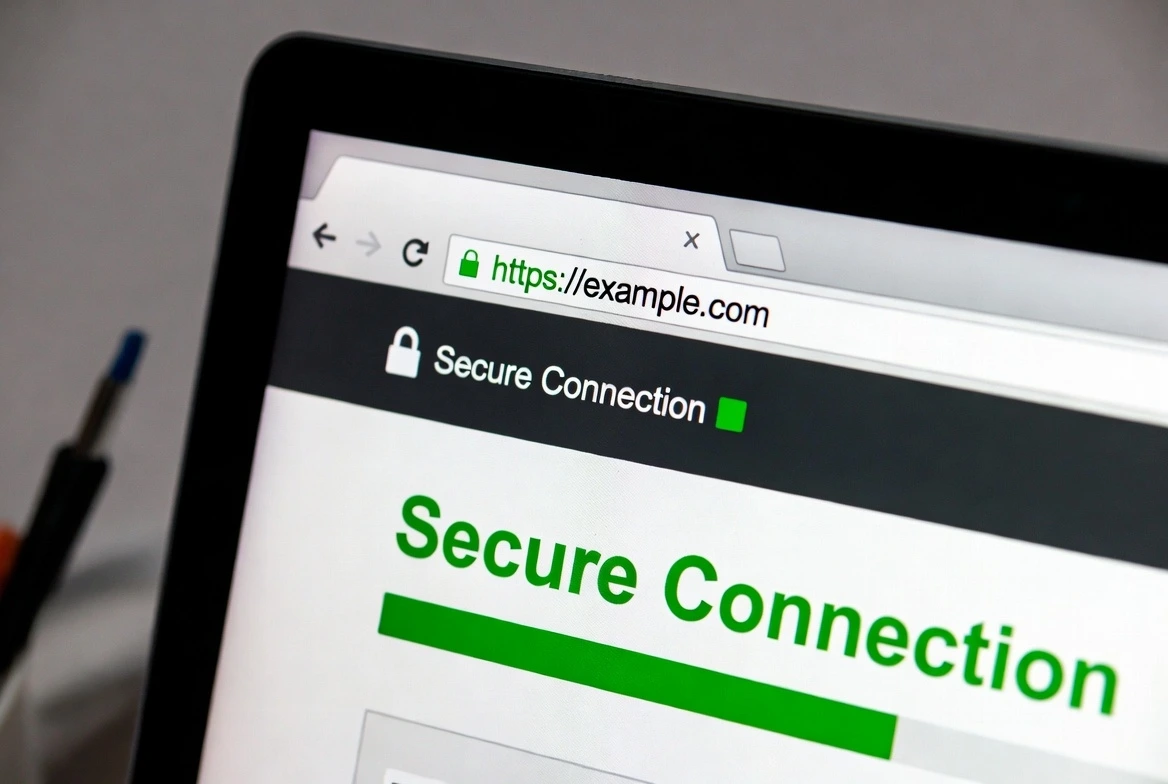
The visual indicator is the padlock icon and "https://" in the URL. Without it, modern browsers display prominent "Not Secure" warnings that scare visitors away.
SSL vs TLS: What's the Difference?
Technically, SSL (Secure Sockets Layer) is outdated. Modern websites use TLS (Transport Layer Security), which is more secure. However, everyone still says "SSL certificate" even though TLS is the actual protocol. The terms are used interchangeably. Don't let anyone confuse you with the distinction.
How SSL Certificates Work (The Handshake Explained)
Understanding SSL encryption explained simply: when you visit a secure website, your browser and the server perform a "handshake" in milliseconds. Here's what happens:
- 1Browser requests secure connection
Your browser says "I want to connect securely" and lists the encryption methods it supports.
- 2Server sends its SSL certificate
The server responds with its certificate, which includes the public key and identity information.
- 3Browser verifies the certificate
The browser checks that the certificate is valid, not expired, and issued by a trusted Certificate Authority.
- 4Encryption keys are exchanged
Both sides agree on a session key that will encrypt all data during this visit.
- 5Secure connection established
The padlock appears, and all communication is now encrypted and secure.
This entire process happens in under 100 milliseconds. Your visitors never notice it, but it's happening every single time they load a page.
Why HTTPS Matters for Business Websites (Security, Trust & SEO)
Let me be direct: if you're running a business website without HTTPS in 2026, you're actively hurting yourself. Here's why HTTPS matters across every dimension that affects your bottom line:
Security: Protecting Your Visitors
Without encryption, every form submission is sent in plain text
Without HTTPS security for websites, anyone on the same network can see exactly what your visitors type. This includes passwords, contact form messages, search queries—everything. On public WiFi, this is trivially easy to exploit.
- Encrypts all data in transit between visitors and your server
- Prevents man-in-the-middle attacks on public networks
- Protects against session hijacking and cookie theft
Trust: Building Customer Confidence
The padlock has become a universal trust signal
HTTPS trust and credibility are inseparable. Studies consistently show that visitors notice security indicators. When Chrome displays "Not Secure" in bright red, many users simply leave. They've been trained to look for the padlock.
of users would abandon a purchase on a non-secure site
of users look for security indicators before entering data
SEO: The Google HTTPS Ranking Factor
Google has explicitly confirmed HTTPS as a ranking signal
Since 2014, Google has used HTTPS as a ranking factor. In 2026, it's even more significant. The Google HTTPS ranking factor affects where you appear in search results—and non-secure sites are at a measurable disadvantage.
- HTTPS is a confirmed Google ranking signal
- Chrome's "Not Secure" label increases bounce rates, hurting rankings indirectly
- Google Search Console prioritizes HTTPS URLs in indexing
Not Just for E-Commerce
"But I don't sell anything online." Doesn't matter. Contact forms, login pages, newsletter signups—any form submission without HTTPS is vulnerable. Even static sites benefit from the SEO boost and user trust that HTTPS provides.
SSL Certificate Types: Which One Do You Need?
Not all SSL certificates are created equal. The differences aren't about encryption strength (they all use the same encryption), but about validation level and what browsers display.
| Type | Validation | Time to Issue | Best For | Cost |
|---|---|---|---|---|
| DV (Domain Validation) | Domain ownership only | Minutes | Blogs, personal sites | Free - $50/yr |
| OV (Organization Validation) | Domain + business verification | 1-3 days | Business sites, apps | $50-$200/yr |
| EV (Extended Validation) | Extensive business verification | 1-2 weeks | Banks, enterprise e-commerce | $100-$500/yr |
| Wildcard | Covers all subdomains | Varies | Sites with many subdomains | $100-$400/yr |
Breaking Down Each Type
Domain Validation (DV) Certificates
The simplest and most common type. The Certificate Authority only verifies you control the domain—usually via email or DNS record. No business documentation required.
My take: This is what 90% of websites need. Free SSL certificates from Let's Encrypt are DV certificates, and they're perfectly adequate for most use cases.
Organization Validation (OV) Certificates
Adds business verification on top of domain control. The CA checks that your business legally exists. Visitors can view organization details in the certificate.
My take: Worth considering for established businesses where the extra trust indicator matters—especially B2B companies and professional services.
Extended Validation (EV) Certificates
The most rigorous validation. Requires legal documentation, physical address verification, and extensive background checks. Previously showed a green address bar (no longer the case in most browsers).
My take: Largely overkill for most businesses. The green bar is gone, and DV certificates provide identical encryption. Only worth it for financial institutions or where regulatory compliance requires it.
Free SSL Certificates vs Paid: What's the Real Difference?
One of the most common questions I get: "Are free SSL certificates safe?" The answer is yes—they use the exact same encryption as paid certificates. Let's break down what you actually get with each.
Free SSL Certificates (Let's Encrypt)
- Same 256-bit encryption as paid options
- Trusted by all major browsers
- Automatic renewal (with proper setup)
- DV validation only
- No warranty or insurance
- No dedicated support
Paid SSL Certificates
- OV and EV options available
- Warranty coverage ($10K-$1.75M)
- Dedicated customer support
- Trust seals for your website
- Longer validity periods (1-2 years)
- Annual cost ($50-$500+)
My Recommendation
For most websites, Let's Encrypt (free) is the right choice. The encryption is identical, it's trusted everywhere, and modern hosting providers automate the renewal process. Save paid certificates for situations where you specifically need OV/EV validation or warranty coverage.
SSL Certificate Installation: A Step-by-Step Guide
The SSL certificate installation process varies depending on your hosting setup. Here's how to approach it for the most common scenarios:
Option 1: Through Your Web Host (Easiest)
Most modern hosts include free SSL certificates and handle everything automatically. This is the path of least resistance.
- 1Log into your hosting control panel (cPanel, Plesk, or custom dashboard)
- 2Find "SSL/TLS" or "Security" settings
- 3Enable "Free SSL" or "Let's Encrypt" for your domain
- 4Wait a few minutes for provisioning
- 5Enable "Force HTTPS" or set up redirects
Option 2: Manual Installation
For VPS, dedicated servers, or hosts without automatic SSL:
- 1Generate a CSR (Certificate Signing Request)
Use OpenSSL or your server's control panel to create a CSR containing your domain and organization info.
- 2Submit CSR to Certificate Authority
Purchase from DigiCert, Sectigo, or use Let's Encrypt via Certbot.
- 3Complete domain validation
Verify ownership via email, DNS TXT record, or HTTP file upload.
- 4Install the issued certificate
Upload the certificate files to your server and configure your web server (Apache/Nginx).
- 5Configure HTTP to HTTPS redirects
Add 301 redirects so all traffic uses HTTPS.
Option 3: Using Cloudflare (Free SSL Instantly)
Cloudflare offers free SSL even if your host doesn't support it:
- 1Sign up for Cloudflare (free tier works)
- 2Add your domain and update nameservers
- 3Enable "Full (Strict)" SSL mode in Cloudflare settings
- 4Turn on "Always Use HTTPS"
Don't Forget the Redirects
Installing an SSL certificate isn't enough. You must also redirect HTTP to HTTPS. Otherwise, visitors can still access the insecure version. Use 301 (permanent) redirects and update any hardcoded HTTP URLs in your content.
Hosting Providers with Free SSL Certificates
Most reputable hosts now include free SSL certificates. Here's what the major providers offer:
| Host | Free SSL | Type | Auto-Renewal |
|---|---|---|---|
| Cloudways | Let's Encrypt | ||
| SiteGround | Let's Encrypt + Wildcard | ||
| Kinsta | Cloudflare SSL | ||
| WP Engine | Let's Encrypt | ||
| Bluehost | Let's Encrypt | ||
| DigitalOcean | Let's Encrypt (manual) | With Certbot |
For a detailed comparison of hosts that prioritize security, see our complete security features guide or top hosting providers comparison.
Common SSL Certificate Mistakes to Avoid
I've seen countless sites implement SSL incorrectly. Here are the pitfalls to avoid:
Mixed Content Warnings
Loading HTTP resources (images, scripts) on an HTTPS page breaks the secure connection. Update all internal URLs and check for hardcoded HTTP links in your content.
Forgetting to Redirect HTTP to HTTPS
Having SSL isn't enough—you must force all traffic through HTTPS. Without proper redirects, visitors can still access the insecure version.
Letting Certificates Expire
Expired certificates show scary browser warnings and block access. Set up auto-renewal or calendar reminders. Let's Encrypt certificates expire every 90 days.
Not Updating Sitemaps and Canonical URLs
After switching to HTTPS, update your sitemap.xml, canonical tags, and Google Search Console to reflect the new URLs. Otherwise, you're sending mixed signals to search engines.
Frequently Asked Questions
What is an SSL certificate?
An SSL certificate is a digital certificate that authenticates your website's identity and enables encrypted (HTTPS) connections. It proves you are who you claim to be and protects data transmitted between visitors and your server.
Is HTTPS a Google ranking factor?
Yes. Google confirmed HTTPS as a ranking signal in 2014 and has increased its importance over time. Sites without HTTPS are at a disadvantage in search results, and Chrome's "Not Secure" warning increases bounce rates, which further hurts rankings.
Are free SSL certificates safe?
Absolutely. Free SSL certificates from Let's Encrypt use the same encryption strength as paid alternatives. They're trusted by all major browsers. The main differences are validation level (DV only) and lack of warranty/support—not security.
What's the difference between SSL and TLS?
TLS (Transport Layer Security) is the modern successor to SSL (Secure Sockets Layer). SSL is technically obsolete, but the term "SSL certificate" stuck. When you buy an "SSL certificate," you're actually getting a certificate that works with TLS 1.2 or 1.3.
Do I need SSL if I don't collect payments?
Yes. Even without e-commerce, you likely have contact forms, login pages, or newsletter signups. All form submissions are vulnerable without HTTPS. Plus, browsers warn visitors about non-secure sites, and Google penalizes them in rankings.
The Bottom Line
SSL certificates are no longer optional. They're the foundation of a secure, trustworthy website that ranks well and converts visitors into customers.
Quick Recommendations
- For most websites: Use Let's Encrypt (free) through your hosting provider. It's secure, trusted, and automatic.
- For established businesses: Consider an OV certificate if you want the extra credibility of verified organization details.
- For financial/enterprise: EV certificates make sense for banks, large e-commerce, or where compliance requires it.
- For everyone: Enable auto-renewal, set up proper redirects, and test for mixed content issues.
The benefits of SSL certificates—security, trust, SEO, compliance—far outweigh any implementation effort. With free options readily available, there's simply no excuse for running a website without HTTPS in 2026.
Secure your website today. Your visitors, your search rankings, and your business will thank you.
Related Articles
Essential Web Hosting Security Features
Complete guide beyond just SSL certificates.
Top 10 Web Hosting Providers 2026
Find hosting with built-in security.
Managed vs Unmanaged WordPress Hosting
Which option handles security better?
Cloud vs Shared Hosting Explained
Understanding hosting security differences.