
The Ultimate Guide to Website Speed Optimization
Speed isn't a nice-to-have anymore—it's survival. This guide covers everything from quick wins that take 10 minutes to advanced optimizations that'll put you ahead of 95% of websites. No fluff, just actionable techniques that actually work.

Web hosting enthusiast who tests providers and breaks down features, pricing, and real world speed
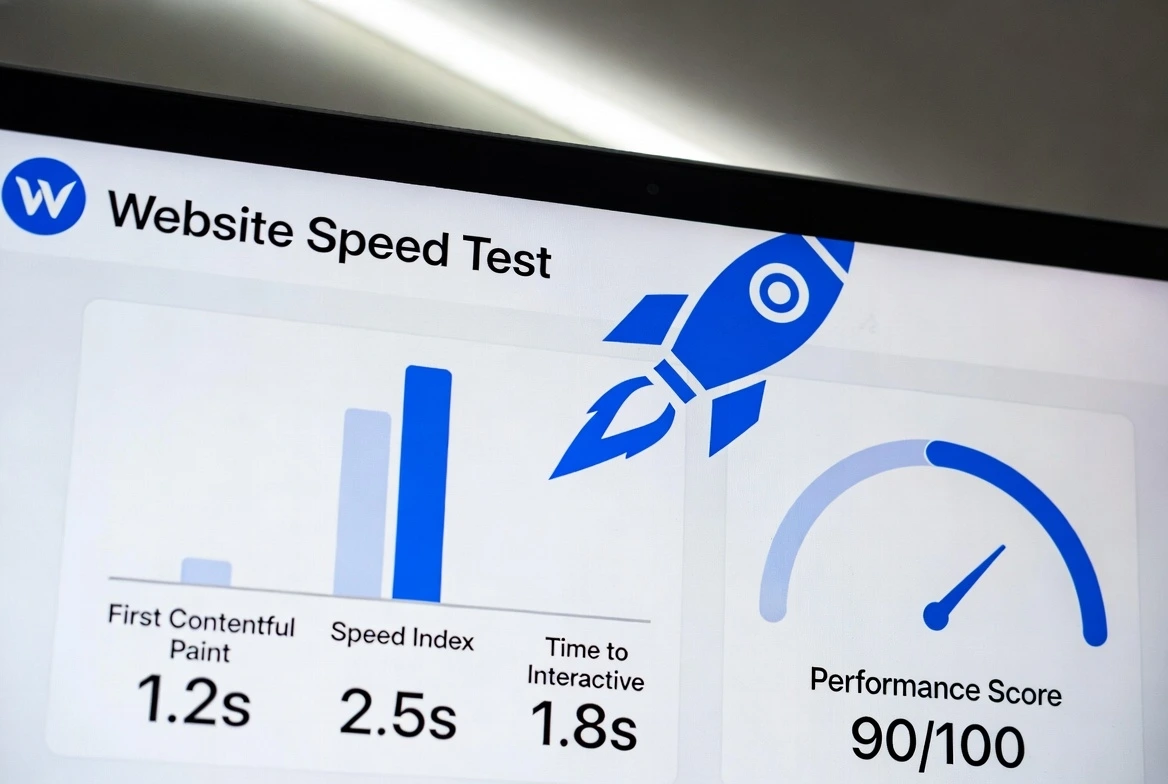
Here's a number that should keep you up at night: 53% of mobile users abandon sites that take longer than 3 seconds to load. That's more than half your potential visitors gone before they see a single word of your content.
I've spent years optimizing websites—from small blogs to enterprise platforms handling millions of requests. The patterns are remarkably consistent: the same issues cause the same problems, and the same fixes deliver the same dramatic improvements.
This guide covers website speed optimization from the ground up. Whether you're trying to improve website loading speed by a few hundred milliseconds or completely transform a sluggish site, you'll find actionable techniques here. Let's get into it.
Why Website Speed Actually Matters (The Real Numbers)
Before we dive into how to speed up a website, let's establish why this effort is worth your time. The business case for website performance optimization is overwhelming:
Speed Impact Statistics
Conversion loss per 100ms delay
Users abandon sites loading 3+ seconds
Bounce rate increase from 1s to 3s load
Annual revenue lost by slow e-commerce sites
Google has also made speed a direct ranking factor. Core Web Vitals—Google's metrics for user experience—now influence where you appear in search results. Poor performance means lower rankings, which means less traffic, which means less revenue. It's a vicious cycle.
The Compound Effect
A 1-second improvement doesn't just help one metric. Faster sites get more organic traffic, higher engagement, better conversions, and more return visitors. These effects compound—making speed one of the highest-ROI investments you can make.
Core Web Vitals: The Metrics That Matter Most
Core Web Vitals optimization is now essential for SEO. Google measures three specific aspects of user experience, and each requires a different approach to improve.
LCP (Largest Contentful Paint)
Measures loading performance
LCP measures when the largest visible content element (usually a hero image or heading block) finishes rendering. It's the metric users "feel" most directly.
How to Improve LCP:
- Optimize and preload your hero image
- Reduce server response time (TTFB)
- Eliminate render-blocking resources
- Use a CDN for faster delivery
INP (Interaction to Next Paint)
Measures interactivity (replaced FID in 2024)
INP measures responsiveness throughout the entire page lifecycle, not just the first interaction. It captures how quickly your page responds to clicks, taps, and keyboard input.
How to Improve INP:
- Break up long JavaScript tasks
- Defer non-critical JavaScript
- Reduce JavaScript bundle size
- Use web workers for heavy processing
CLS (Cumulative Layout Shift)
Measures visual stability
CLS quantifies how much content shifts around as the page loads. Those annoying moments when you're about to click a button and it jumps? That's layout shift, and Google penalizes it.
How to Improve CLS:
- Set explicit width/height on images and videos
- Reserve space for ads and embeds
- Avoid inserting content above existing content
- Use font-display: swap for web fonts
Image Optimization: The Biggest Quick Win
Images typically account for 50-70% of a page's total weight. If you only optimize one thing, optimize images for web—the impact is immediate and dramatic.
The Modern Image Stack
Here's the approach I use for every site. It sounds like a lot, but once you set it up, it's automatic:
- 1Use WebP (or AVIF) format
WebP delivers 25-35% smaller files than JPEG at equivalent quality. AVIF is even better but has less browser support. Always include a fallback.
- 2Implement lazy loading
Add
loading="lazy"to images below the fold. This defers loading until users scroll near them, dramatically reducing initial page weight. - 3Use responsive srcset
Serve different image sizes based on device width. A phone doesn't need a 2000px image meant for desktop.
- 4Set explicit dimensions
Always include width and height attributes. This prevents CLS by reserving space before the image loads.
- 5Preload critical images
Hero images affect LCP directly. Use
<link rel="preload">to prioritize them.
Don't Over-Compress
Quality 80-85% is the sweet spot for most images. Going lower saves marginal bytes but creates visible artifacts that make your site look cheap. The goal is optimization, not destruction.
Image Optimization Tools
| Tool | Best For | Price |
|---|---|---|
| Squoosh | Manual optimization, quality comparison | Free |
| ShortPixel | WordPress automation | Freemium |
| Cloudinary | Dynamic optimization at scale | Freemium |
| ImageOptim | Mac local batch processing | Free |
Caching for Faster Websites: A Complete Breakdown
Caching is the art of not doing work twice. When implemented correctly, caching for faster websites can reduce page load time by 60-80% for returning visitors and significantly reduce server load.
Types of Caching (And When to Use Each)
Browser Caching
Stores static files (CSS, JS, images) in visitors' browsers. Subsequent page views load these locally instead of re-downloading.
Server-Side Caching
Stores rendered pages or database queries on the server, avoiding repeated processing. Critical for dynamic sites like WordPress.
CDN Caching
Stores content on globally distributed edge servers. Users receive content from the nearest location, reducing latency dramatically.
WordPress Speed Optimization Tip
For WordPress sites, use a combination approach: WP Super Cache or W3 Total Cache for page caching, Redis or Memcached for object caching, and Cloudflare for CDN. This stack handles 90% of WordPress speed optimization needs.
CDN for Faster Website: Why Location Matters
Physics is the ultimate speed limit. Data can only travel so fast through cables, and the farther your server is from your user, the slower the response. A CDN (Content Delivery Network) solves this by putting copies of your content everywhere.
Using a CDN for faster website performance typically reduces latency by 50-70% for users far from your origin server. For global audiences, it's non-negotiable.
| CDN Provider | Best For | Free Tier | Notable Features |
|---|---|---|---|
| Cloudflare | Most websites | Generous | DDoS protection, analytics, page rules |
| Bunny CDN | Cost-conscious, video | Trial only | Pay-as-you-go, video optimization |
| Fastly | Enterprise, edge compute | Limited | Real-time analytics, instant purge |
| AWS CloudFront | AWS-heavy stacks | 1TB/month | Deep AWS integration |
My recommendation: Start with Cloudflare's free tier. It's genuinely excellent for most websites and includes security features that paid CDNs charge extra for. Graduate to Bunny CDN or Fastly if you need specific features or better video performance.
Minify CSS, JavaScript, and HTML
Every character in your code takes time to download and parse. Minification removes unnecessary characters—whitespace, comments, long variable names—without changing functionality. It's free performance.
CSS
- • Remove unused styles (PurgeCSS)
- • Combine media queries
- • Minify with cssnano
- • Critical CSS inline
JavaScript
- • Tree shaking (remove unused)
- • Code splitting
- • Minify with Terser
- • Defer non-critical scripts
HTML
- • Remove comments
- • Collapse whitespace
- • Remove optional tags
- • Minify inline CSS/JS
Third-Party Scripts Are the Silent Killer
Analytics, chat widgets, ad networks: each third-party script adds weight and blocking time you can't control. Audit these regularly. Remove what you don't actually use. Load the rest asynchronously.
Reduce Server Response Time (TTFB)
Time to First Byte (TTFB) measures how quickly your server responds to a request. It's the foundation of all other speed metrics: if your server is slow, nothing else matters.
Target TTFB: Under 200ms. Anything over 600ms is hurting your LCP scores significantly.
How to Reduce Server Response Time
- Upgrade your hosting
Shared hosting is often the bottleneck. Fast web hosting for speed means VPS or managed hosting with SSD storage and optimized configurations.
- Enable server-side caching
Page caching bypasses PHP/database processing entirely. A cached page can be served in 20ms vs 500ms+ for dynamic generation.
- Optimize database queries
Slow queries compound quickly. Index properly, remove post revisions, clean transients. Consider Redis for query caching.
- Use PHP 8.x
PHP 8 is 15-25% faster than PHP 7.4. If your host offers it and your plugins support it, upgrade immediately.
- Choose a server close to your audience
A server in New York serving Australian users adds 200+ms of latency minimum. Use a CDN or choose strategic server locations.
For hosting recommendations that prioritize speed, check our VPS hosting comparison or cloud vs shared hosting guide.
Website Speed Optimization Checklist
Use this speed optimization checklist to systematically improve your site. I've organized it by impact—start at the top and work down.
🚀 High Impact (Do First)
- Convert images to WebP format
- Implement lazy loading for below-fold images
- Enable page caching
- Set up a CDN (Cloudflare free works great)
- Upgrade to better hosting if TTFB > 400ms
⚡ Medium Impact
- Minify CSS and JavaScript
- Defer non-critical JavaScript
- Preload critical assets (hero image, fonts)
- Remove unused CSS (PurgeCSS)
- Set browser caching headers
🔧 Fine-Tuning
- Set explicit image dimensions (fixes CLS)
- Use font-display: swap for web fonts
- Enable Gzip/Brotli compression
- Audit and remove unnecessary plugins/scripts
- Optimize database (clean revisions, transients)
Google PageSpeed Insights and Other Testing Tools
You can't improve what you don't measure. Use these tools to establish baselines, identify issues, and verify that your optimizations actually worked.
Google PageSpeed Insights
The gold standard. Shows Core Web Vitals from real users (CrUX data) plus lab data with specific recommendations.
pagespeed.web.dev →GTmetrix
Detailed waterfall analysis showing exactly what's loading and when. Great for finding bottlenecks.
gtmetrix.com →WebPageTest
Most detailed testing available. Test from different locations, connections, and devices. The filmstrip view is incredibly useful.
webpagetest.org →Pro Tip: Test Multiple Times
Single test results can be misleading due to server load, network variability, and caching states. Run each test 3-5 times and look at the median. Also test with cache cleared AND with cache warm.
Frequently Asked Questions
What is a good website loading speed?
Aim for under 2.5 seconds total load time, with LCP (Largest Contentful Paint) under 2.5 seconds. Sub-1-second LCP is excellent. Anything over 4 seconds is problematic—you're losing significant traffic and rankings.
How does website speed affect SEO?
Speed is a direct ranking factor through Core Web Vitals. Beyond rankings, slow sites have higher bounce rates, lower engagement, and reduced crawl efficiency. Google has confirmed that page experience signals (including speed) influence search visibility.
What's the fastest way to improve website speed?
The three highest-impact quick wins are: (1) optimize and lazy-load images, (2) enable caching, and (3) use a CDN. These three changes alone can reduce page load time by 40-60% without touching code.
Does hosting affect website speed?
Absolutely. Your host controls TTFB (server response time), which is the foundation of all other metrics. Premium hosts deliver TTFB under 200ms; cheap shared hosting can exceed 800ms. If your TTFB is high, no amount of frontend optimization will fully compensate.
Should I use a CDN for a small website?
Yes. Cloudflare's free tier is excellent and includes DDoS protection, basic security, and global CDN coverage. Even for small sites, the latency reduction for visitors outside your server's region is worthwhile. There's no reason not to use one.
The Bottom Line
Website speed optimization isn't a one-time project—it's an ongoing practice. Technologies evolve, content changes, and new performance challenges emerge. But the fundamentals stay consistent.
My Priority Order for Most Websites:
- 1Get good hosting—this is your foundation. If TTFB is poor, everything else is a band-aid.
- 2Optimize images—biggest weight reduction for least effort.
- 3Enable caching + CDN—dramatic improvements for returning visitors and global users.
- 4Clean up code—minify, defer, remove unused scripts.
- 5Fine-tune Core Web Vitals—address specific LCP, INP, and CLS issues.
Follow this order, measure your progress with PageSpeed Insights, and you'll join the top 10% of websites in performance. Your users will thank you with their attention, engagement, and conversions.
Speed is a competitive advantage. The sites that load fastest win more traffic, more customers, and more growth. Start optimizing today.